Inspect links without opening them
On desktop, hover to preview. On mobile, a careful long-press may show the destination, but do not proceed. Look for extra words, substituted letters, unrelated domains, and shortened URLs.
Recognise before you respond
A message can copy a real bank, government office, delivery service, employer, or person you know. Check the request through a channel the sender does not control.
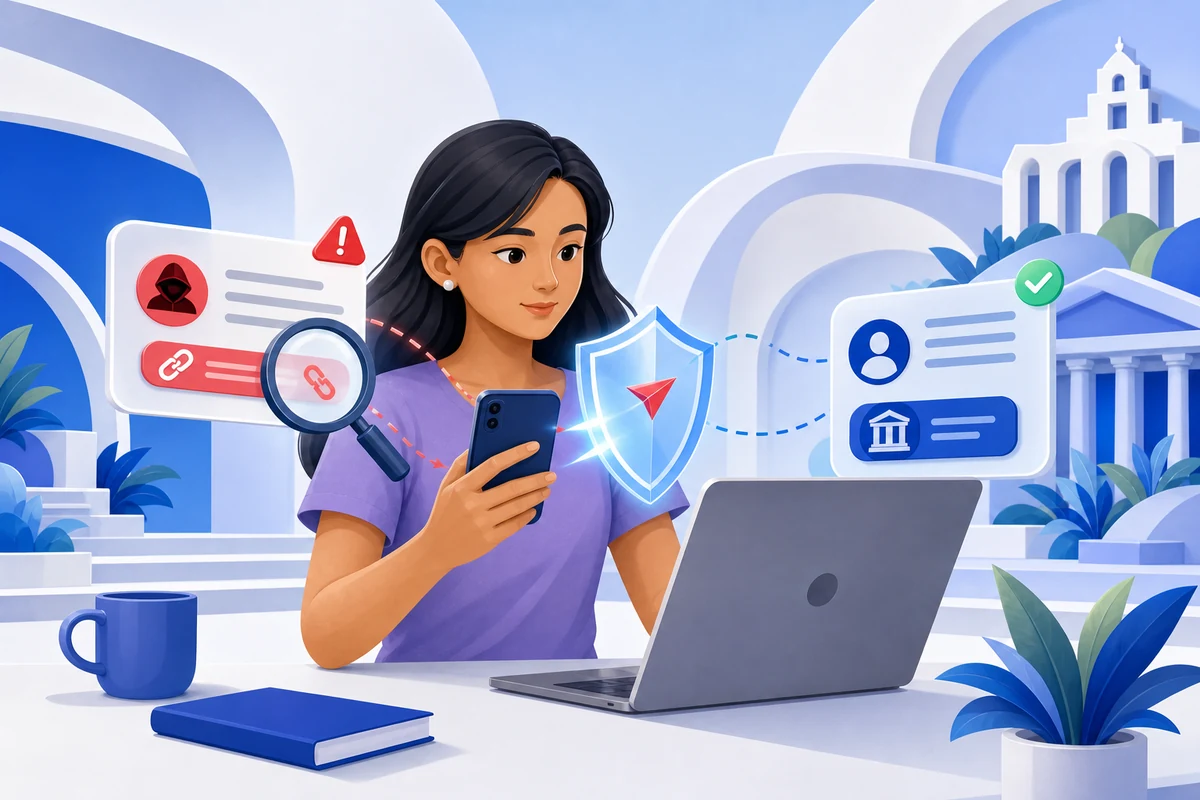
Scammers use smishing by text, phishing by email, vishing by call, and quishing through QR codes. Caller ID, sender names, logos, profile photos, documents, and links can all be copied or spoofed. The strongest clue is often the behaviour being requested: hurry, keep a secret, open a link, install an app, share a code, or move money.
You do not need to reply to investigate. Preserve the message, leave its links and contact details untouched, and verify independently.
Do not tap, reply, scan, download, call the supplied number, or use an unsubscribe link. If it is a call, hang up. A real concern remains valid after you check it.
Write down what the sender wants: a login, OTP, card detail, payment, app installation, document, or secrecy. Requests for passwords, PINs, CVVs, and OTPs are never made safe by a convincing story.
Use an app already on your device, type the known website, call the number on your card, or visit a branch. Do not copy contact information from the suspicious message.
Check whether the claimed alert appears in the official account. Report the message to the impersonated organisation and the relevant Philippine channel, then block and delete it after evidence is saved.
Well-written messages can still be scams, especially with automated translation and AI. Focus on the destination, request, and pressure tactics.
On desktop, hover to preview. On mobile, a careful long-press may show the destination, but do not proceed. Look for extra words, substituted letters, unrelated domains, and shortened URLs.
A QR code can hide a fake login or payment address. Do not scan one simply because it appears on a letter, parking notice, poster, invoice, or delivery message.
An unexpected invoice, document, app file, or cloud-share request can steal credentials or install malware. Confirm with the supposed sender through a known channel first.
A call may display a bank or government number even when it came from elsewhere. End the call and dial the published official number yourself.
Choose the channel that matches what happened. Keep screenshots and the original sender details.
Call hotline 1326 and follow CICC’s current reporting instructions.
Submit the number, screenshot, complaint summary, and required identification through the NTC form.
Report suspicious activity to the institution immediately; use BSP channels if a complaint needs escalation.
A legitimate organisation will not punish you for ending an unexpected interaction and contacting it through an official channel. If someone insists that you stay on the line, use their link, or keep the situation secret, stop.