Provider impersonation
A message claims your SIM needs an upgrade, registration, or activation and asks for a code or account information.
Accounts & identity
A criminal moves your mobile number to another SIM so they can receive calls, messages, and texted security codes.
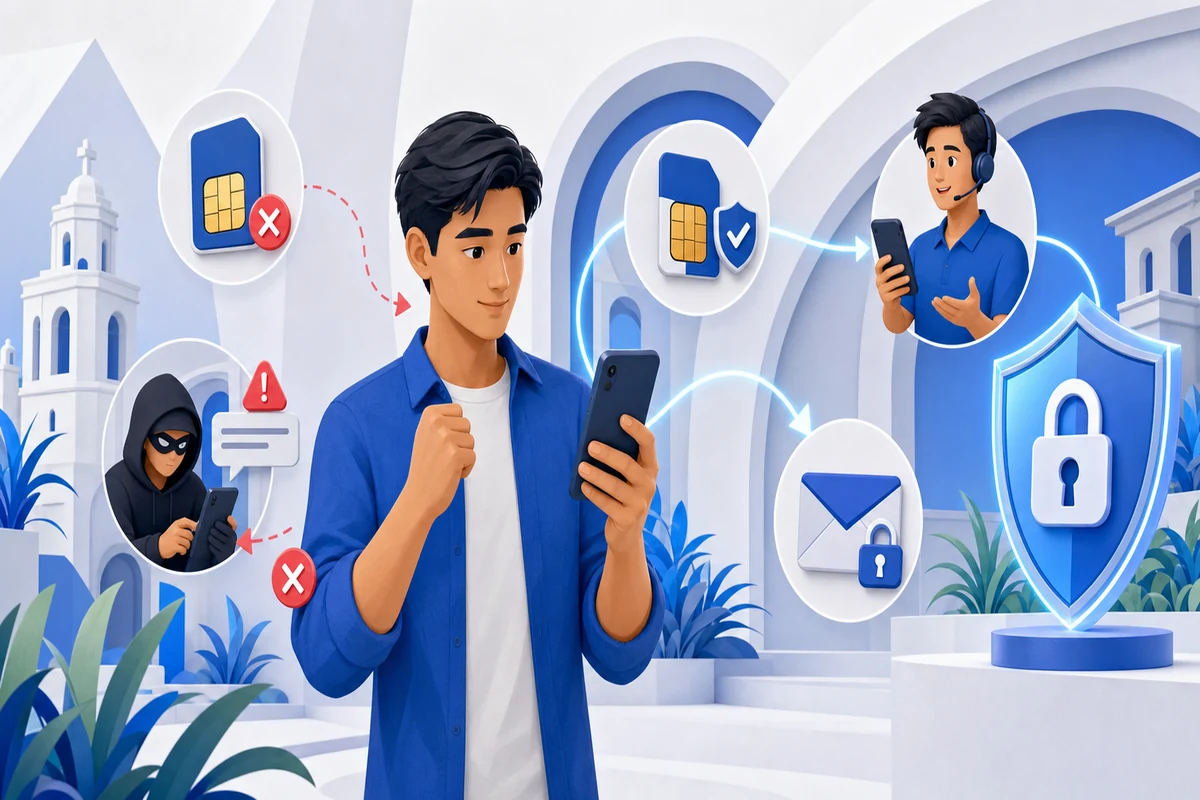
The criminal convinces or tricks a mobile provider into transferring your number to a SIM they control. They can then intercept calls and texted security codes used to reset accounts.
The details change, but the underlying request usually stays the same: trust the sender, stop checking, and act through the channel they control.
A message claims your SIM needs an upgrade, registration, or activation and asks for a code or account information.
A stolen password or social-engineering attempt is used to access your mobile-provider account and request a new SIM or eSIM.
Stolen identity information or documents are used to request a replacement SIM from a branch or reseller.
Once service moves, the criminal resets email or financial accounts and receives texted login and transaction codes.
Do not let urgency choose for you.
Contact the organisation yourself.
Never share secret account details.
Use another phone to contact your mobile provider and bank immediately. Secure your email first, remove unknown sessions, and replace text-message MFA where stronger options are available.
You do not need to prove that a message is fake before stepping away. Verify the claim independently and keep the suspicious sender outside that process.
Do not reply, click, call a supplied number, scan a QR code, install an app, or send a small ‘test’ payment. A legitimate issue can wait while you verify it.
Use an app you already installed, a bookmarked website, the number printed on your card, or a regulator’s official directory. Search results and sponsored ads can also be impersonated, so check the domain carefully.
Caller ID, profile photos, logos, badges, documents, and even familiar voices can be faked. Ask whether the claimed problem appears inside the official account or can be confirmed by a known representative.
Show the message to someone you trust. If the sender claims to be a person you know, contact that person through a different number or app that you already used before.
A safe organisation will allow time to check. Threats, secrecy, guaranteed rewards, and warnings not to hang up are reasons to end the interaction—not reasons to hurry.
Do not let embarrassment or uncertainty delay you. Fast action gives banks, platforms, and service providers more opportunity to protect your accounts or trace a transaction.
Do not send more money to fix the problem. Save messages, usernames, phone numbers, email headers, URLs, receipts, transaction IDs, and dates before blocking or deleting anything.
Tell the bank, card issuer, wallet, transfer service, or exchange that the transaction was connected to a scam. Ask whether it can be stopped, recalled, disputed, or flagged, and record the case number.
From a trusted device, protect your email and financial accounts, then other affected services. Change reused passwords, sign out unknown sessions, review recovery details, and turn on multi-factor authentication.
Contact your mobile provider if service stopped unexpectedly or a SIM change is suspected. If identity documents were exposed, ask the relevant issuer what monitoring, replacement, or fraud-alert steps are available.
If an email, messaging, or social account was involved, tell contacts not to trust recent requests from it. Scammers often use a compromised account to reach family, coworkers, and customers.
Report the profile, message, advertisement, or listing to the platform. Also report through the appropriate cybercrime, financial, securities, or consumer-protection channel and keep every reference number.
Report online scams to the Cybercrime Investigation and Coordinating Center through hotline 1326. For a concern involving a BSP-supervised financial institution, report it to the institution first and keep the reference number before escalating through BSP Online Buddy.
No single tool stops every scam. A few practical layers make it harder for a scammer to turn one mistake into a larger loss.
A password manager can create and store a different strong password for every important account, limiting damage when one service is breached.
Use an authenticator app, security key, or passkey where available. Never approve an unexpected prompt or give a verification code to another person.
Turn on login and transaction notifications. Review transfer limits and saved payees so an account takeover is less useful to a criminal.
Check financial statements, login history, recovery information, connected apps, and devices. Report unfamiliar activity instead of waiting for the next statement.
Agree that urgent money requests will always be confirmed through a second channel. A simple family question or code phrase can help when a voice or account is impersonated.
Stay in the ScamProof learning experience for locally relevant checking, reporting, recovery, and verification guidance.
These official resources support the guidance in this lesson and provide current reporting and recovery information.